linux时间同步
# 安装
yum install chrony -y

# 启用
systemctl enable chronyd --now

# 查看状态
systemctl status chronyd

# 填入配置
vi /etc/chrony.conf

server ntp.myhuaweicloud.com minpoll 4 maxpoll 10 iburst
server ntp.aliyun.com minpoll 4 maxpoll 10 iburst
server ntp1.aliyun.com minpoll 4 maxpoll 10 iburst
server ntp2.aliyun.com minpoll 4 maxpoll 10 iburst
server ntp3.aliyun.com minpoll 4 maxpoll 10 iburst
server ntp4.aliyun.com minpoll 4 maxpoll 10 iburst
server ntp5.aliyun.com minpoll 4 maxpoll 10 iburst
server ntp6.aliyun.com minpoll 4 maxpoll 10 iburst


# 重启服务使配置生效
systemctl restart chronyd

# 查看时间同步源的状态
chronyc sources -v

# 查看时间同步的总体统计
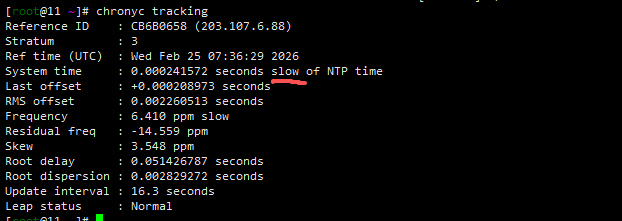
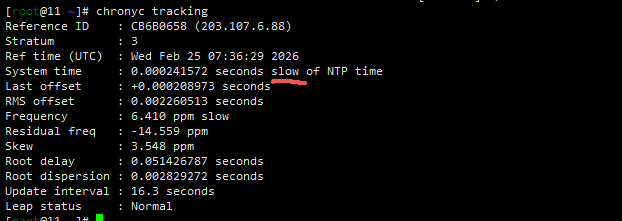
chronyc tracking
chronyc tracking
Reference ID    : CB6B0658 (203.107.6.88)
Stratum         : 3
Ref time (UTC)  : Wed Feb 25 07:36:29 2026
System time     : 0.000241572 seconds slow of NTP time
Last offset     : +0.000208973 seconds
RMS offset      : 0.002260513 seconds
Frequency       : 6.410 ppm slow
Residual freq   : -14.559 ppm
Skew            : 3.548 ppm
Root delay      : 0.051426787 seconds
Root dispersion : 0.002829272 seconds
Update interval : 16.3 seconds
Leap status     : Normal